
Design chainmaille inlays ring by ring. Choose a weave and ring size, paint your design, see it woven flat or in the round, and print the pattern, with a ring shopping list for every colour.
Free to download and use. The download is at the bottom of this page
Rather start weaving straight away?
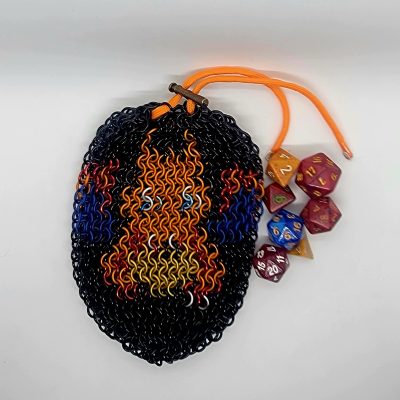
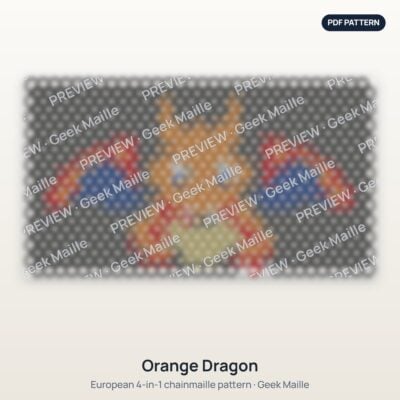
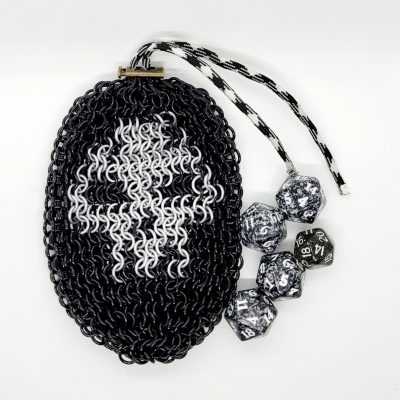
Browse our ready-made inlay patterns. Each one comes with a printable ring-by-ring pattern, the ring count for every colour, and a picture of the finished piece. Instant download.
What it does
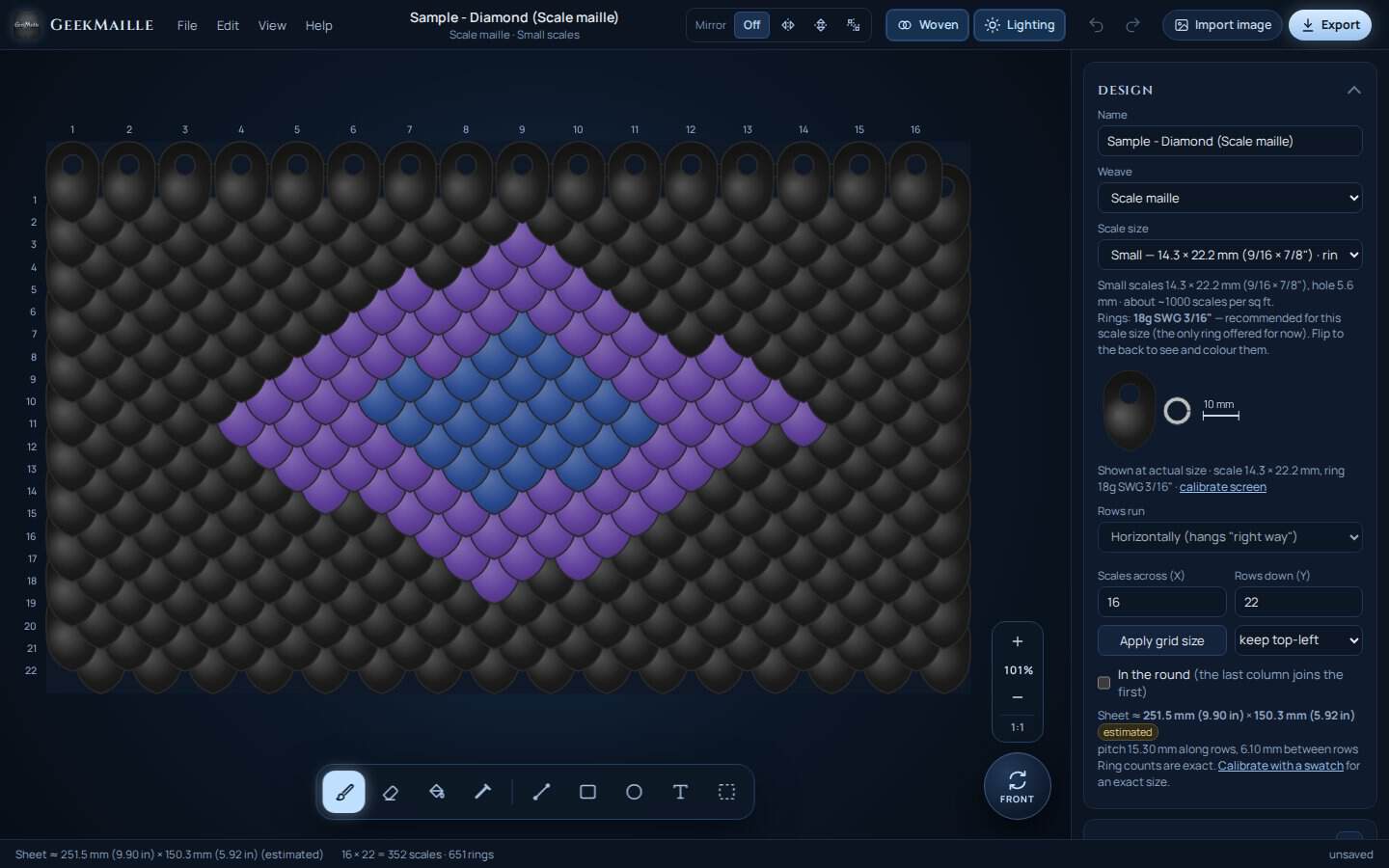
- Weaves: European 4-in-1 and 6-in-1, scale maille (with the back rings), Moorish Rose, and Japanese 4-in-1, 8-in-2, 6-in-1 and 12-in-2.
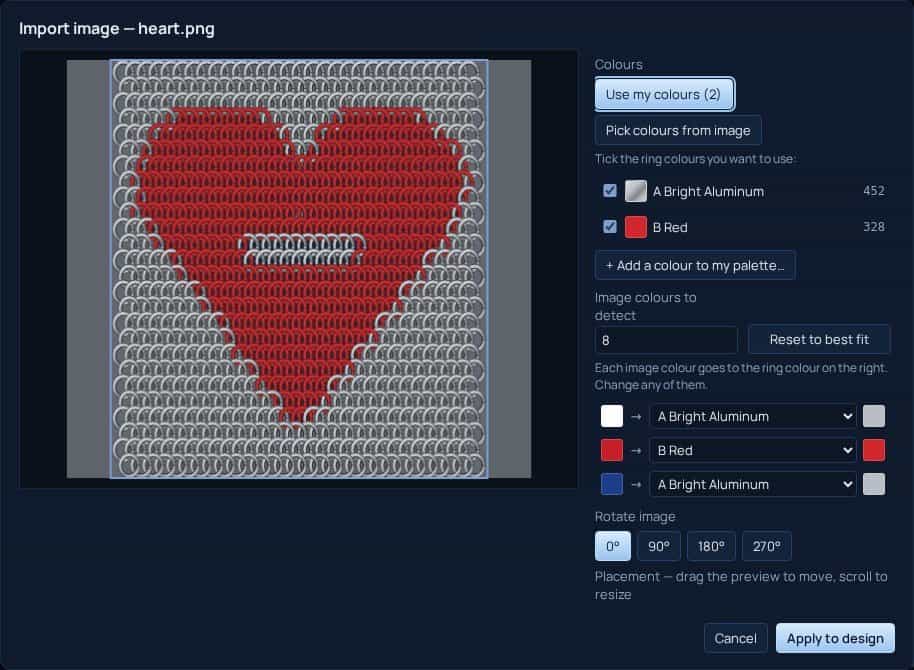
- Paint with a brush, fill, lines, shapes and text, or turn a picture into a design.
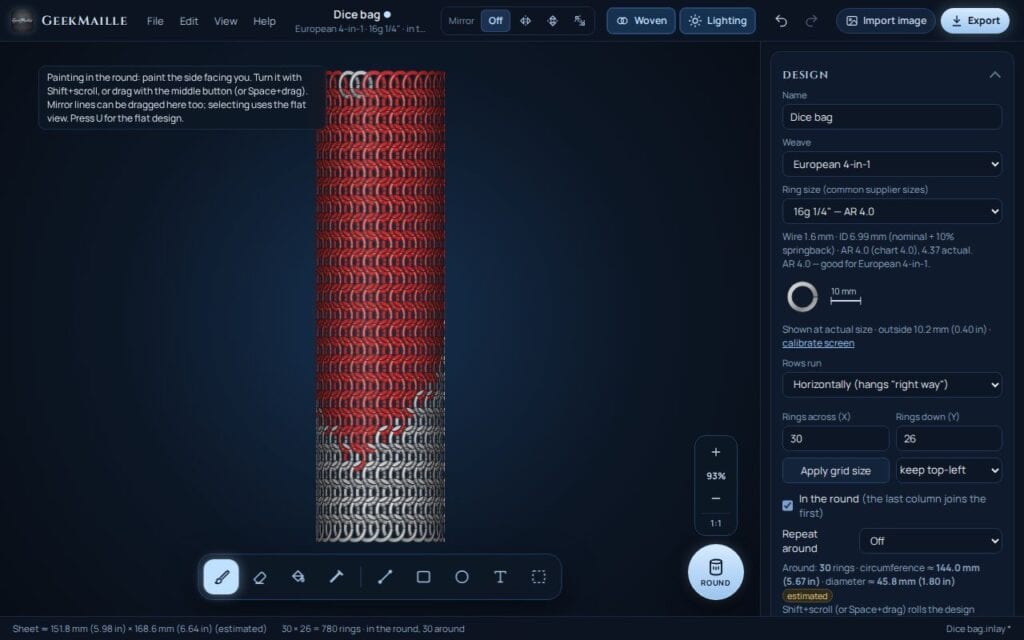
- Mirror and repeat while you paint, and design in the round for dice bags, sleeves and cuffs.
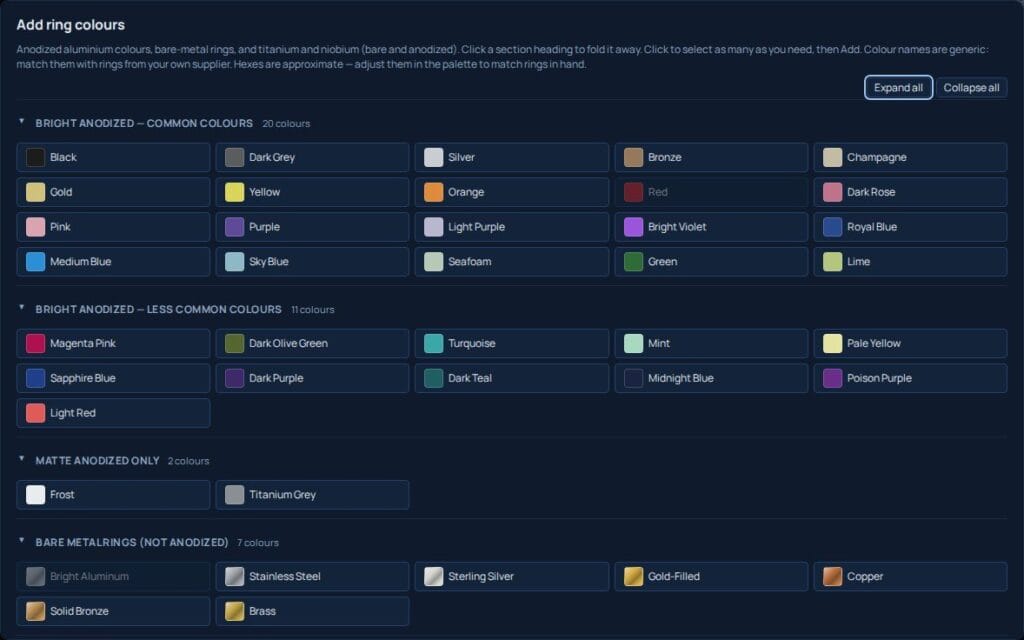
- Exact ring counts per colour, finished size and an estimated weight.
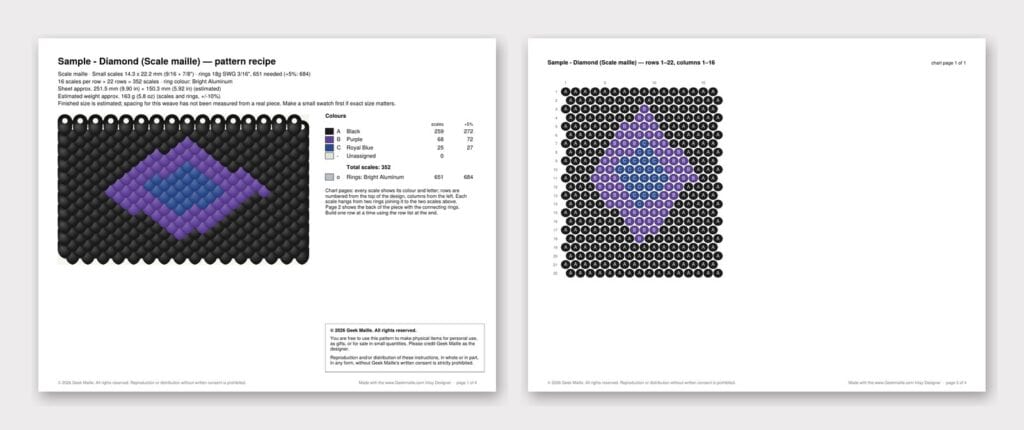
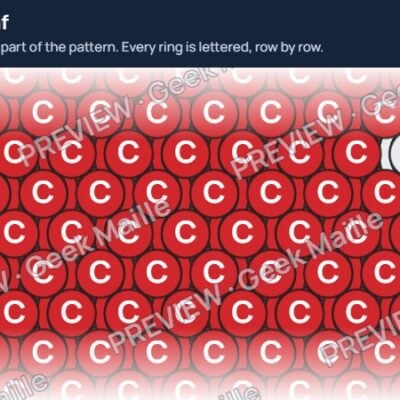
- Print a pattern recipe (PDF), save a picture of the finished piece (PNG) and a ring shopping list (TXT).
- A sample design for every weave to start from.
Ready-made inlay patterns
The newest patterns from the Geek Maille shop, each designed in the Inlay Designer and ready to weave.
What you need
- A Windows 10 or Windows 11 computer (64-bit).
- About 500 MB of free space (the program unpacks itself each time it starts).
- No internet connection is needed to use it.
Installing
There’s nothing to install. The download is a ZIP file with the program inside.
- Download the ZIP and save it somewhere easy to find, such as your Desktop or Documents folder.
- Right-click the ZIP, choose Extract All…, then click Extract.
- In the folder that opens, double-click Geekmaille-Inlay-Designer-1.2.0-portable.exe to start. Keep this file to run the program from now on; you can delete the ZIP.
If Windows shows “Windows protected your PC”
The first time you run it, Windows may show a blue box saying it stopped an unrecognised app. This happens with programs from small makers that haven’t paid for a code-signing certificate. It doesn’t mean something is wrong with the file.
- Click More info.
- Check that the app is Geekmaille-Inlay-Designer-1.2.0-portable.exe. The publisher shows as “Unknown publisher”; that’s expected.
- Click Run anyway.
Windows remembers your choice for that file, so you only do this once. If your antivirus asks about the program, allow it the same way.
Only run copies you downloaded from this page.
Updating
The program never connects to the internet by itself: it doesn’t check for updates or send anything anywhere. To see which version you have, open Help > Check for Updates in the program, then compare it with the version on this page.
To update, download the new version here and use it in place of the old one. Your designs are separate .inlay files and aren’t touched. Your settings, saved palettes and swatches stay on your computer.
Permitted use
- The Inlay Designer is free to use. Please download it only from this page, and don’t re-upload, share or sell copies of the program.
- Designs you create are yours: you may make them, sell the finished pieces, and sell patterns of them.
- Ring counts, sizes and weights are estimates. Make a test swatch before buying rings for a large project. The program is provided as-is, without warranty.
Help and support
- The user manual is built in: press F1 in the program.
- Found a problem? Use Help > Report a Problem in the program, or email Geekmaillecanada@gmail.com.
Support the project
The Inlay Designer is free, and it will stay free. If it’s useful to you and you’d like to help cover what it cost to make and pay for future improvements, you can chip in here. Thank you!
Payments go through our secure checkout with Square. Geek Maille isn’t a registered charity, so this isn’t a tax-deductible donation and no tax receipt is issued.
Version 1.2.0 · ZIP file, about 100 MB · Windows 10 or 11 (64-bit) · free
Looking for something to weave first? Browse ready-made inlay patterns.